

loja online
agendamentos
eventos
pop-up

Sold-out to the End
Por
Sold-out products moved to the end of categories
Ainda não há avaliações
Plano gratuito disponível

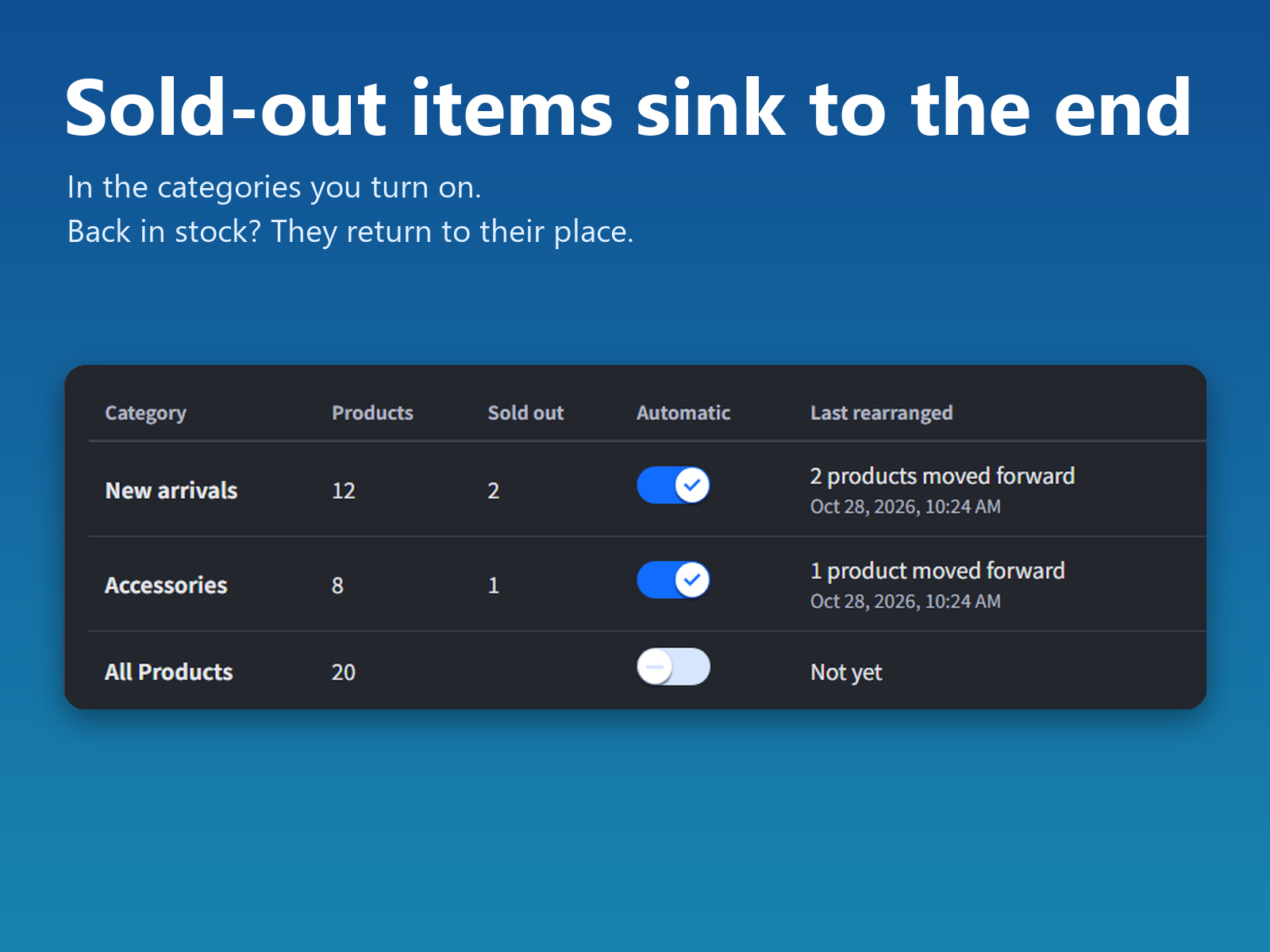
Visão geral de Sold-out to the End
- Sold-out products move behind the ones shoppers can buy
- Restocked products return at the next stock update
- Restore the original order of a category at any time
- Free for one category, Pro for every category
Classificações e avaliações
Este aplicativo ainda não recebeu nenhuma avaliação. Seja a primeira pessoa em avaliá-lo.Preços e planos
Plano Basic
Grátis
1 category
Sold-out items move to the end
Original order can be restored
Plano Pro
$
2
99
/mês
Every category in your store
Sold-out items move to the end
Original order can be restored
* O preço está em USD.