

loja online
agendamentos
eventos
pop-up
Sale Sync - Category & Ribbon
Por
Auto-sync your Sale category and ribbons
Ainda não há avaliações
Plano gratuito disponível

Visão geral de Sale Sync - Category & Ribbon
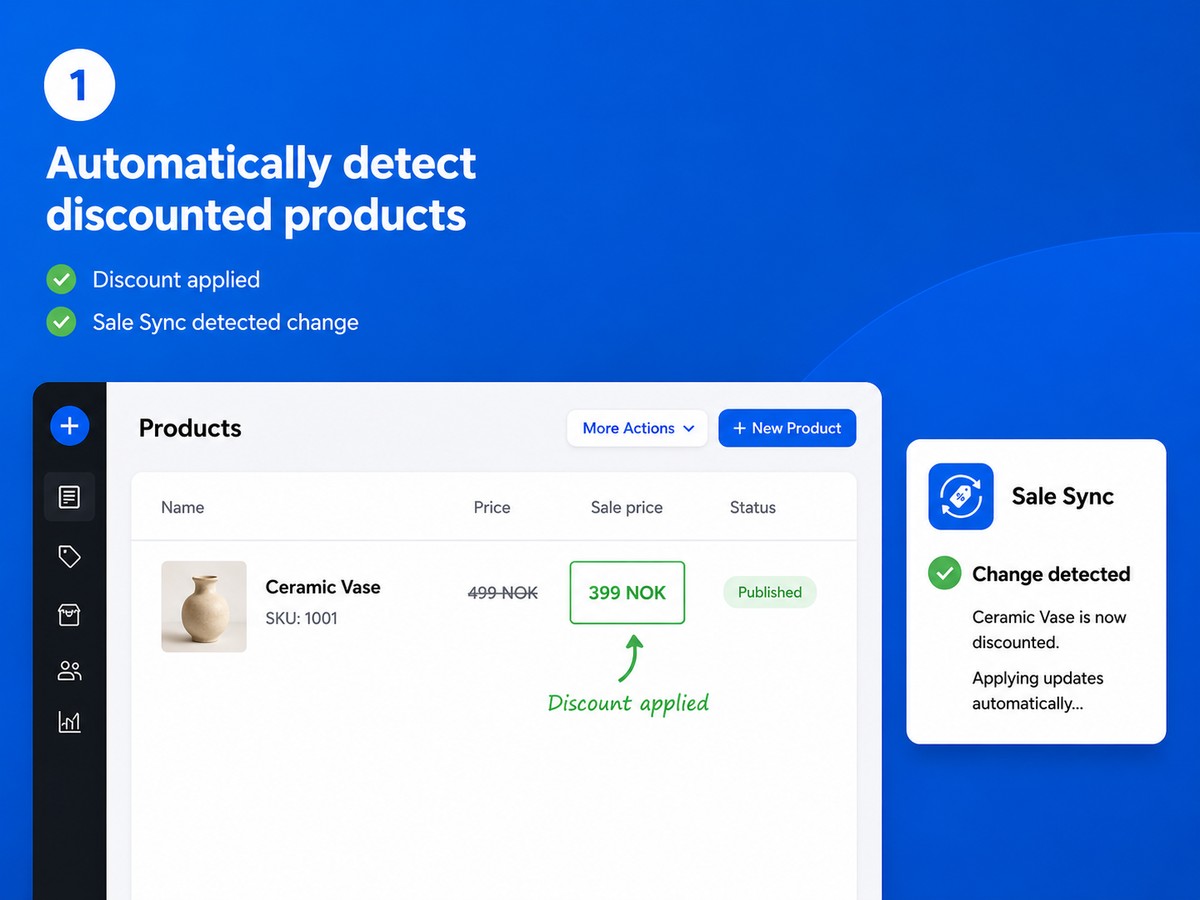
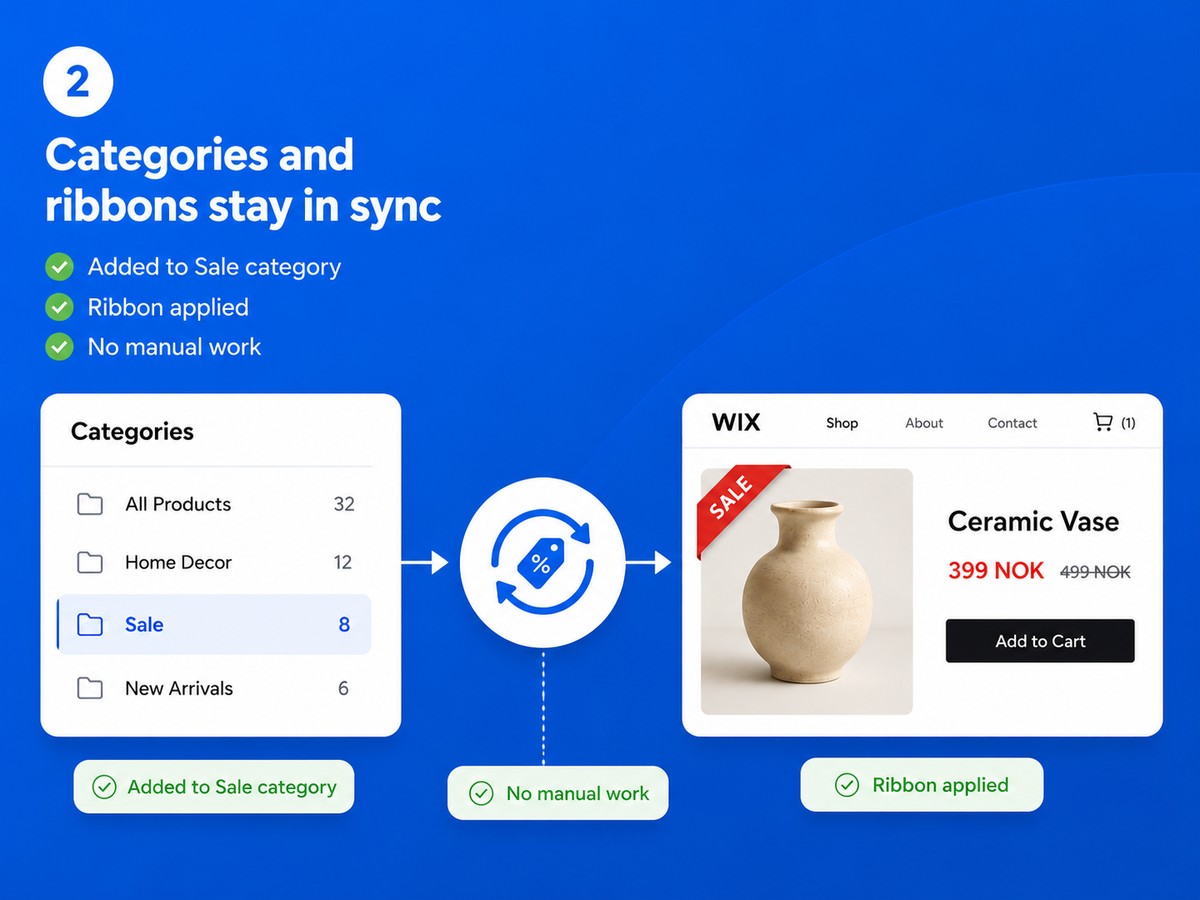
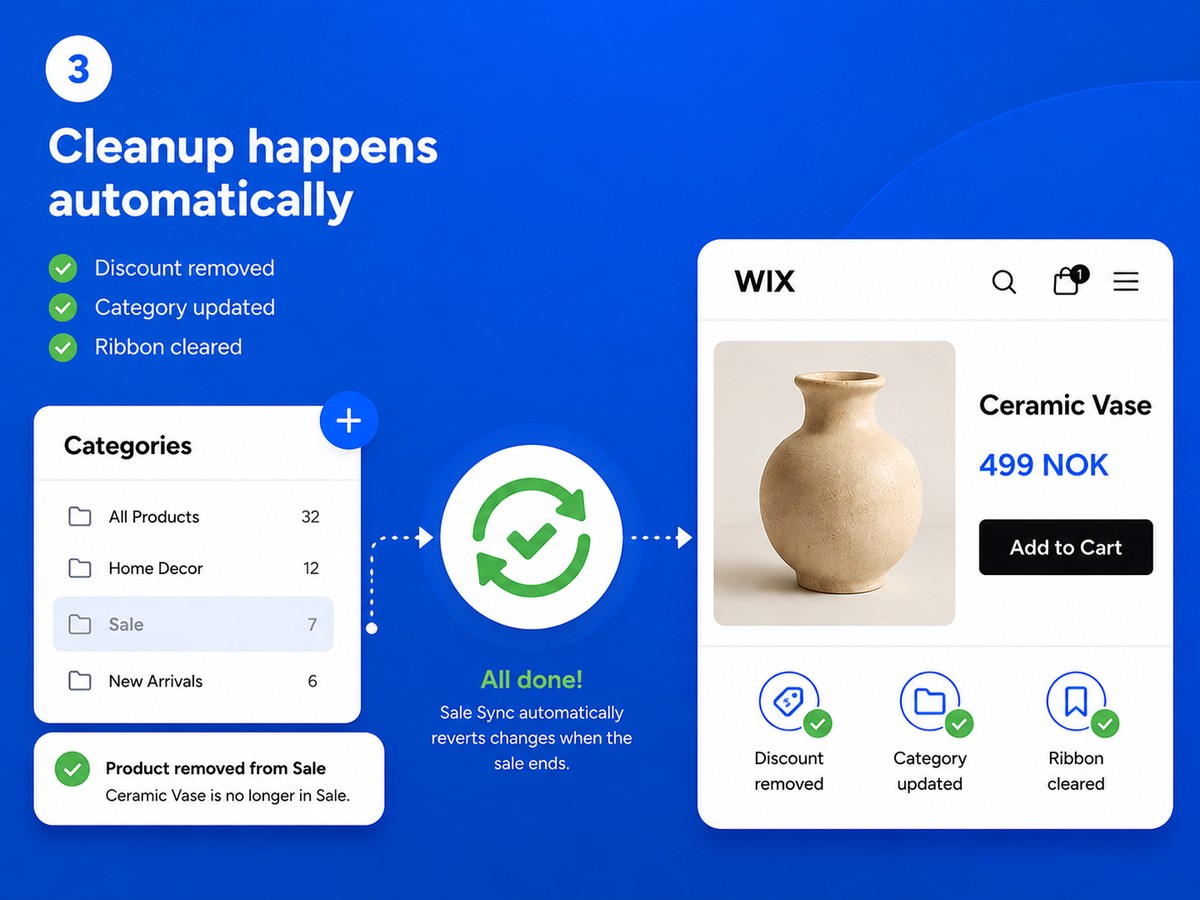
- Discounted products are added to your Sale category automatically - and removed the moment the discount ends
- A custom ribbon label appears on sale products and is cleared automatically when the sale is over
- Your Sale category is always accurate - no forgotten products, no stale ribbons
- Set up in one minute: choose your category and ribbon text, and Sale Sync handles the rest
Classificações e avaliações
Este aplicativo ainda não recebeu nenhuma avaliação. Seja a primeira pessoa em avaliá-lo.Preços e planos
Plano Basic
Grátis
Automatic Sale category sync
One custom product ribbon
Adds and removes sale products
Full catalog sync on demand
Plano Pro
$
3
99
/mês
Multiple discount rules
Dynamic Save {percent}% ribbons
Dashboard, exclusions & re-sync
Everything in Free
* O preço está em USD.