

loja online
agendamentos
eventos
pop-up

Upload Files on Products
Por
Customers attach files on your product pages
Ainda não há avaliações
Plano gratuito disponível

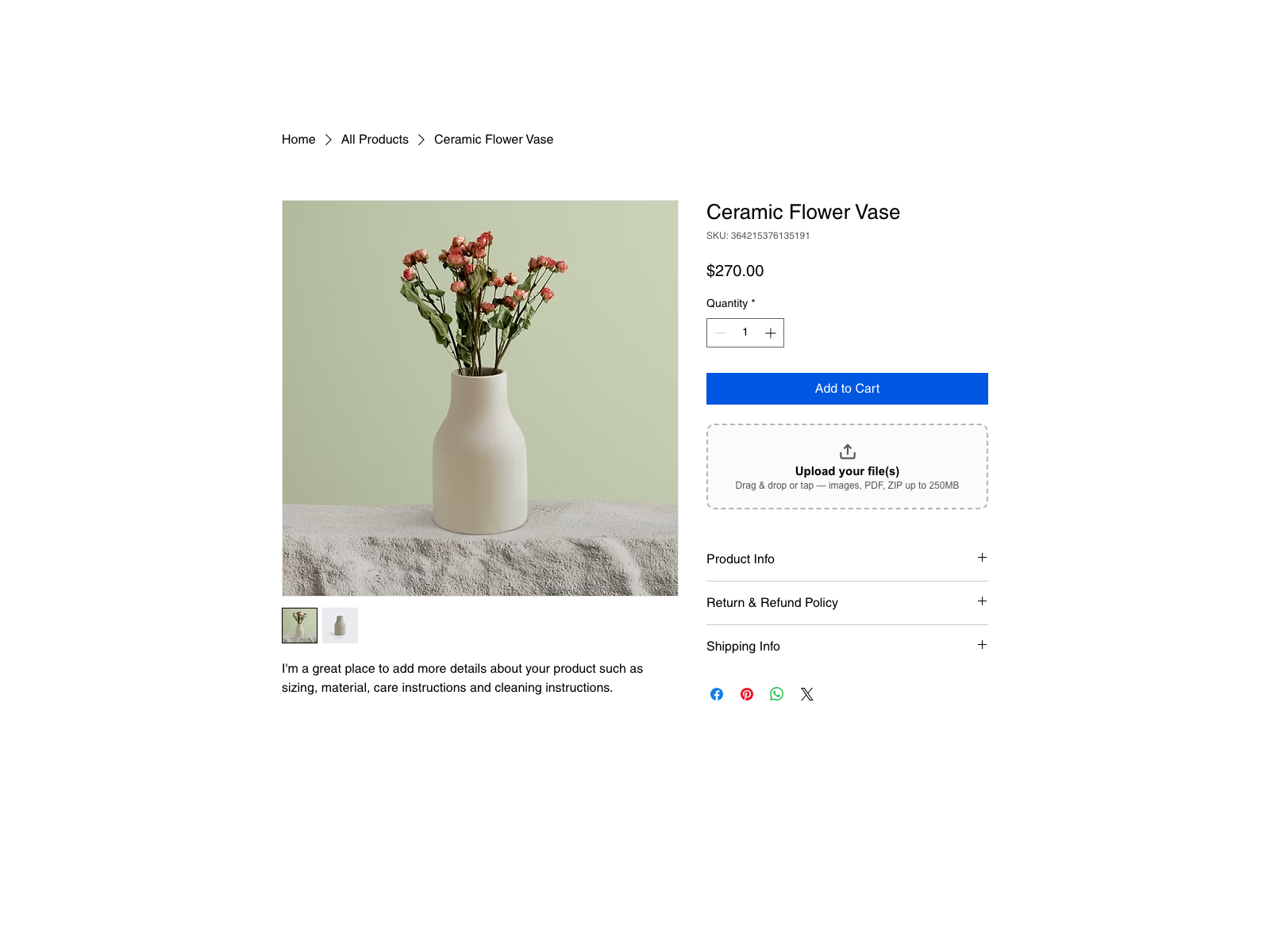
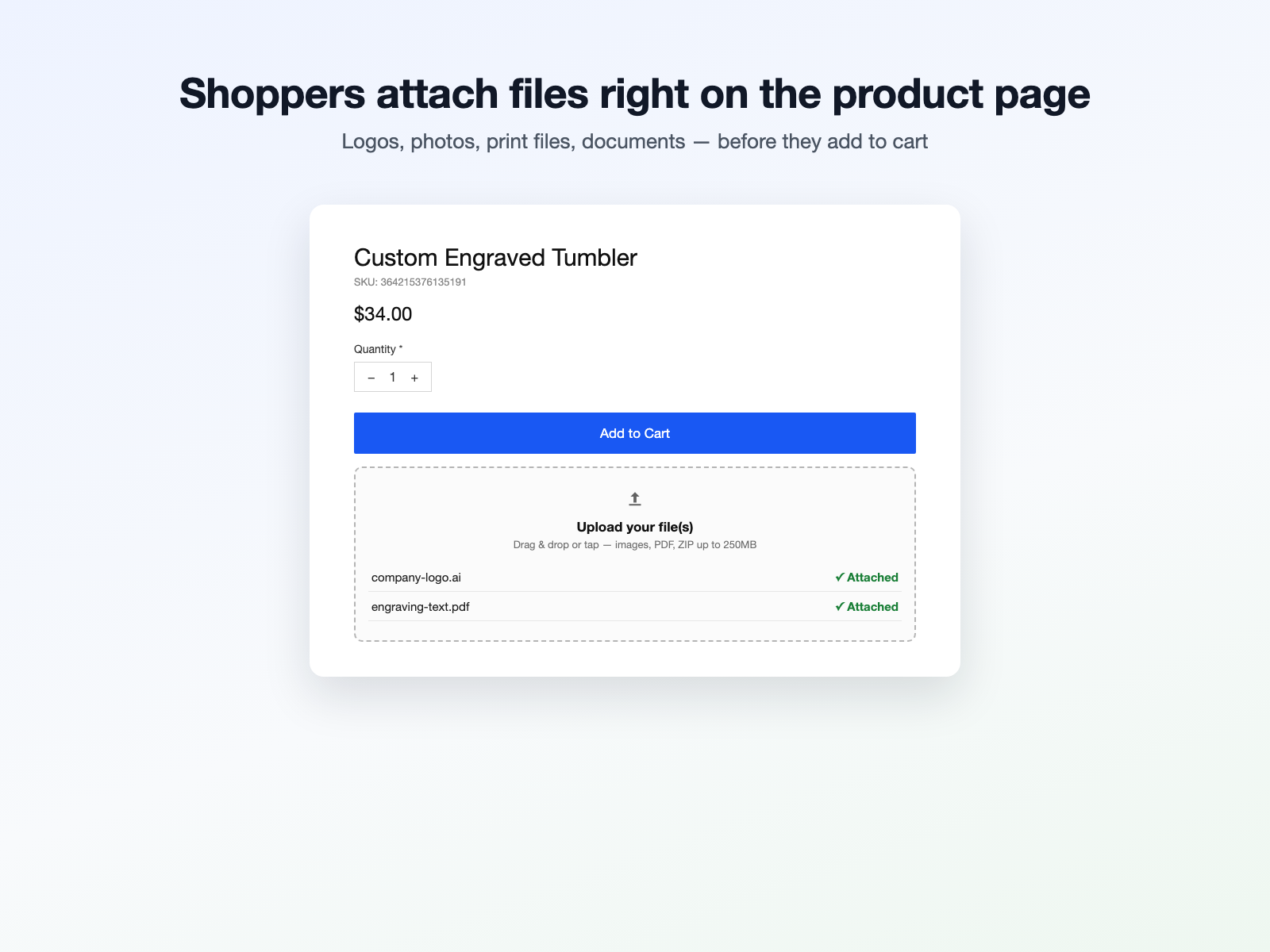
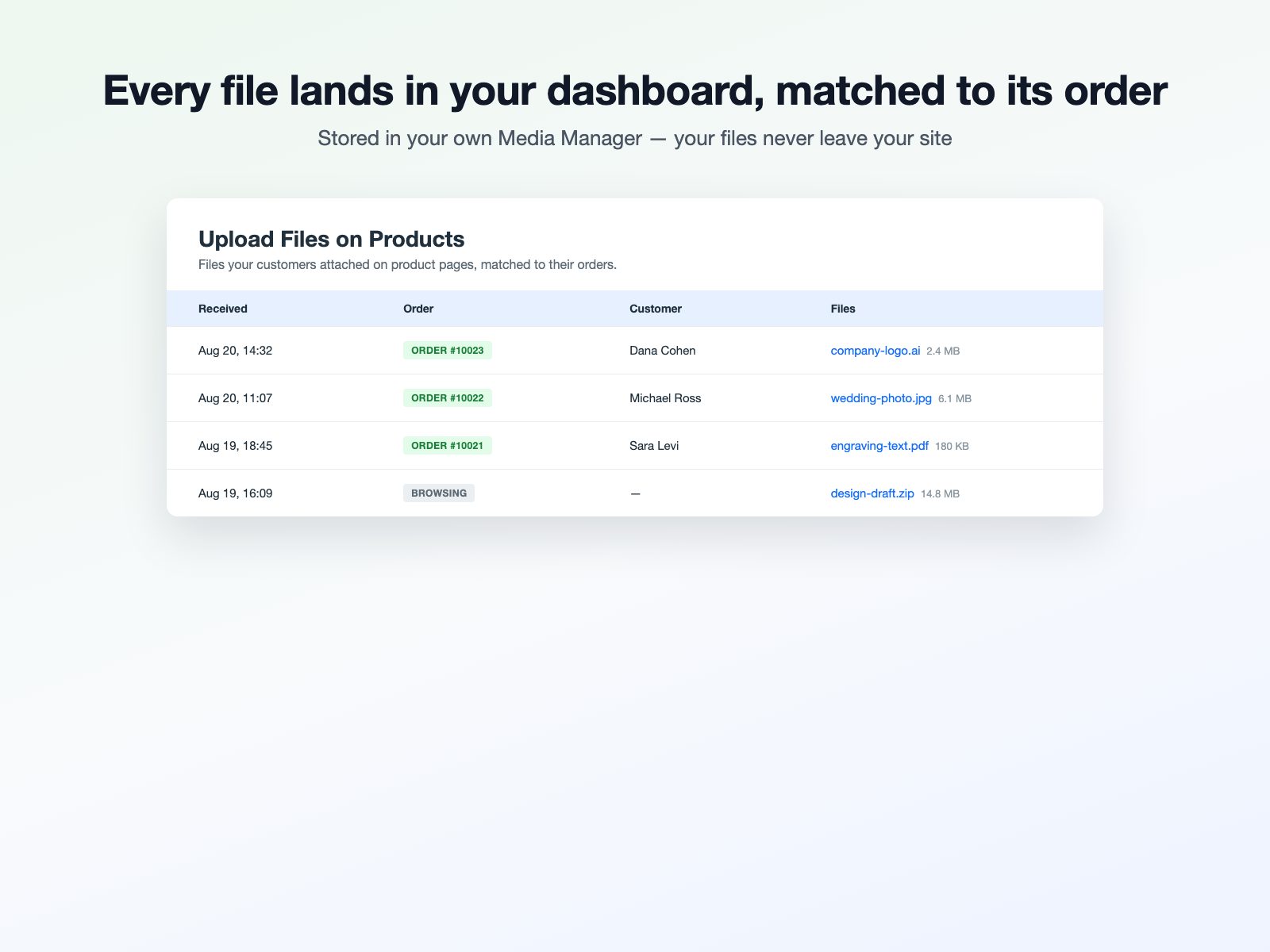
Visão geral de Upload Files on Products
- Add a file upload box to product pages in one click
- Files land in your own Media Manager, matched to orders
- Images, PDF, ZIP and design files - up to 250MB on Pro
Categorias
Disponibilidade:
Esse app está disponível em todo o mundo.Idiomas do app:
Inglês
Requisitos do site:
-
Destacado em
Classificações e avaliações
Este aplicativo ainda não recebeu nenhuma avaliação. Seja a primeira pessoa em avaliá-lo.Preços e planos
Plano Basic
Grátis
Customer uploads on 1 product page
10 uploads in total, to try it
Files up to 25 MB each
Files land in your own Media Manager
Plano Pro
$
7
99
/mês
Upload box on every product
Unlimited customer uploads
Files up to 250 MB each
Require a file before checkout
* O preço está em USD.