

loja online
agendamentos
eventos
pop-up

Chronicle Timeline
Por
Turn your story into an animated timeline
Ainda não há avaliações
Plano gratuito disponível

Visão geral de Chronicle Timeline
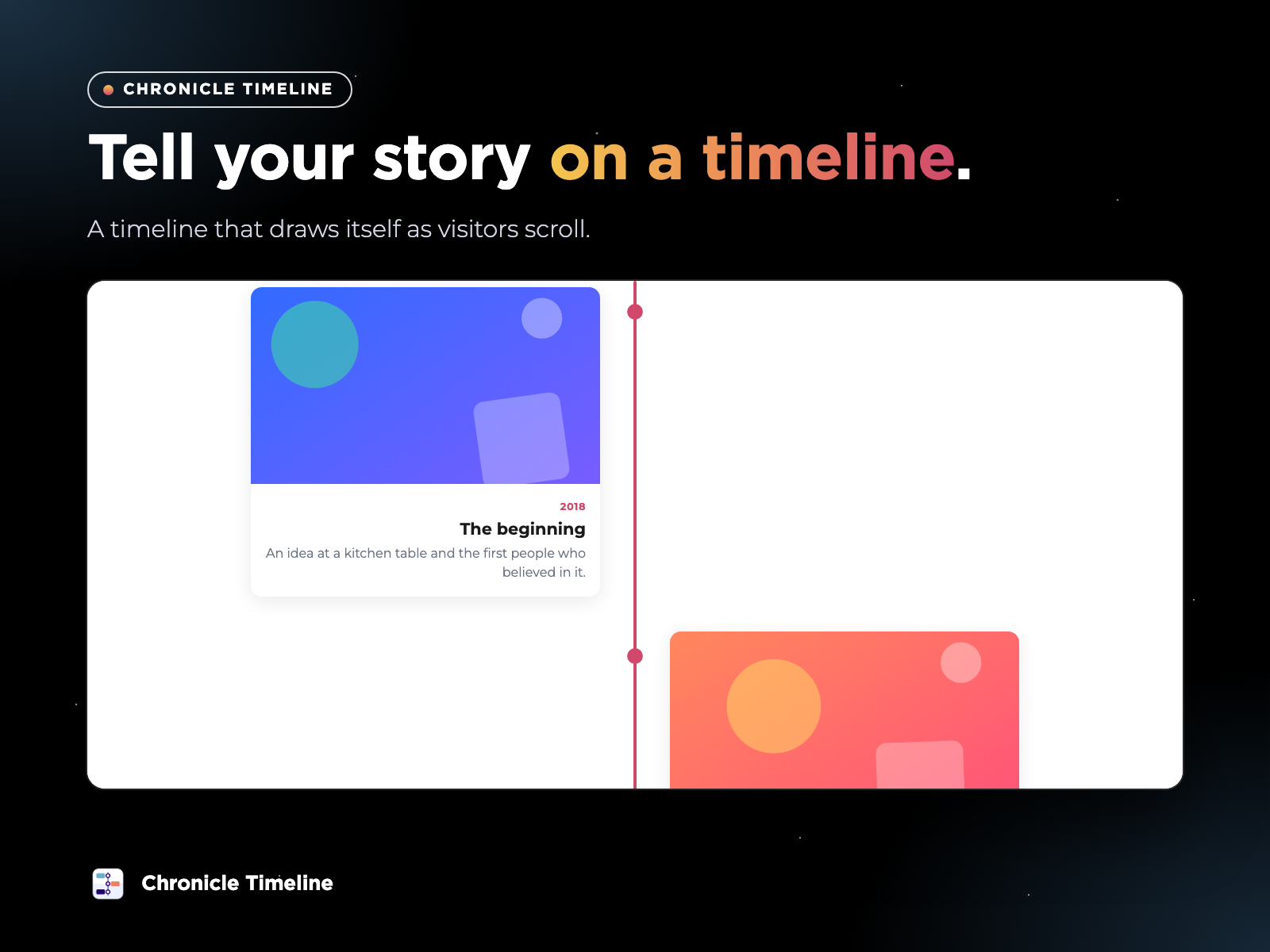
- The line grows and each milestone appears as visitors scroll, with smooth animations
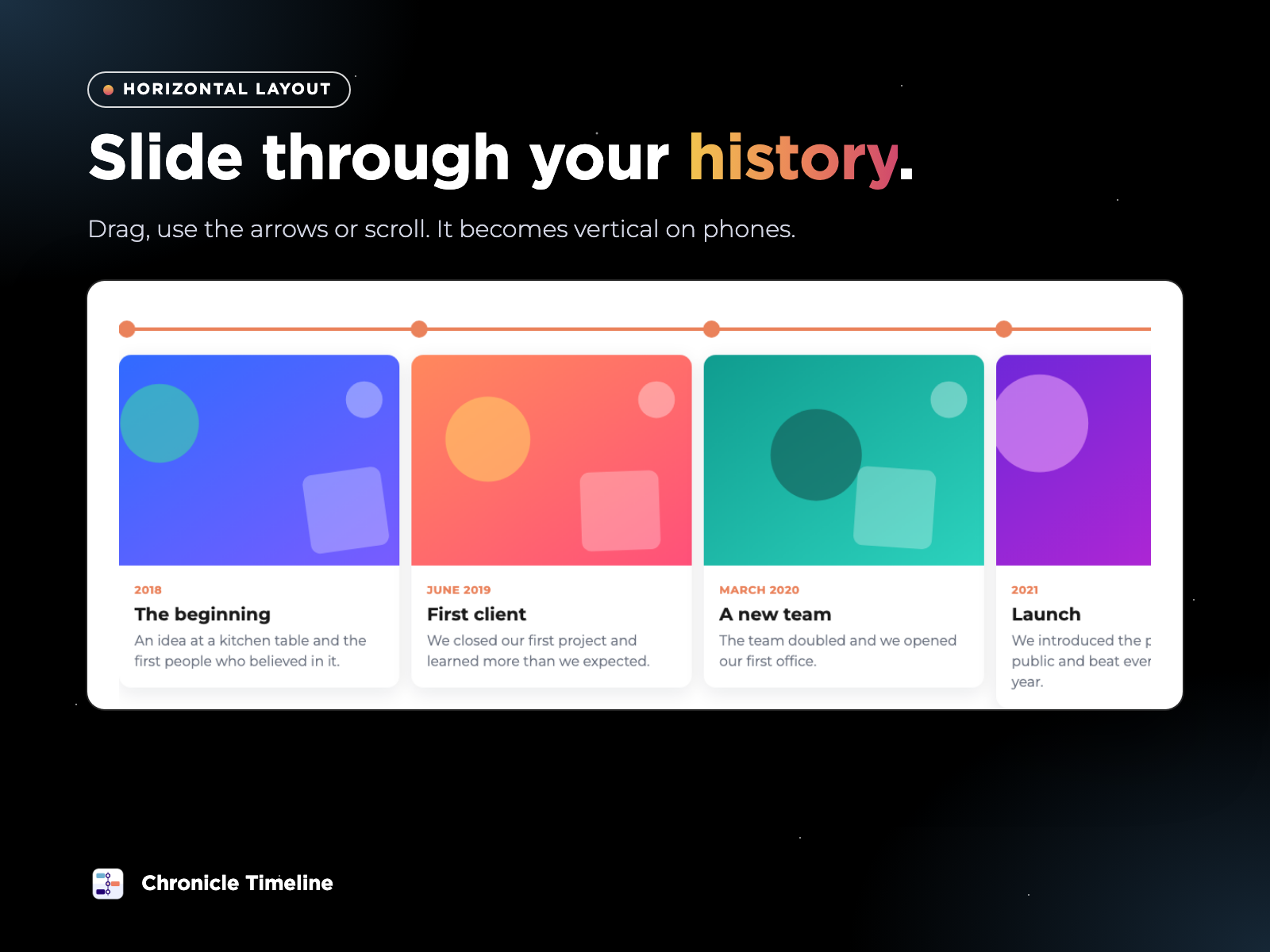
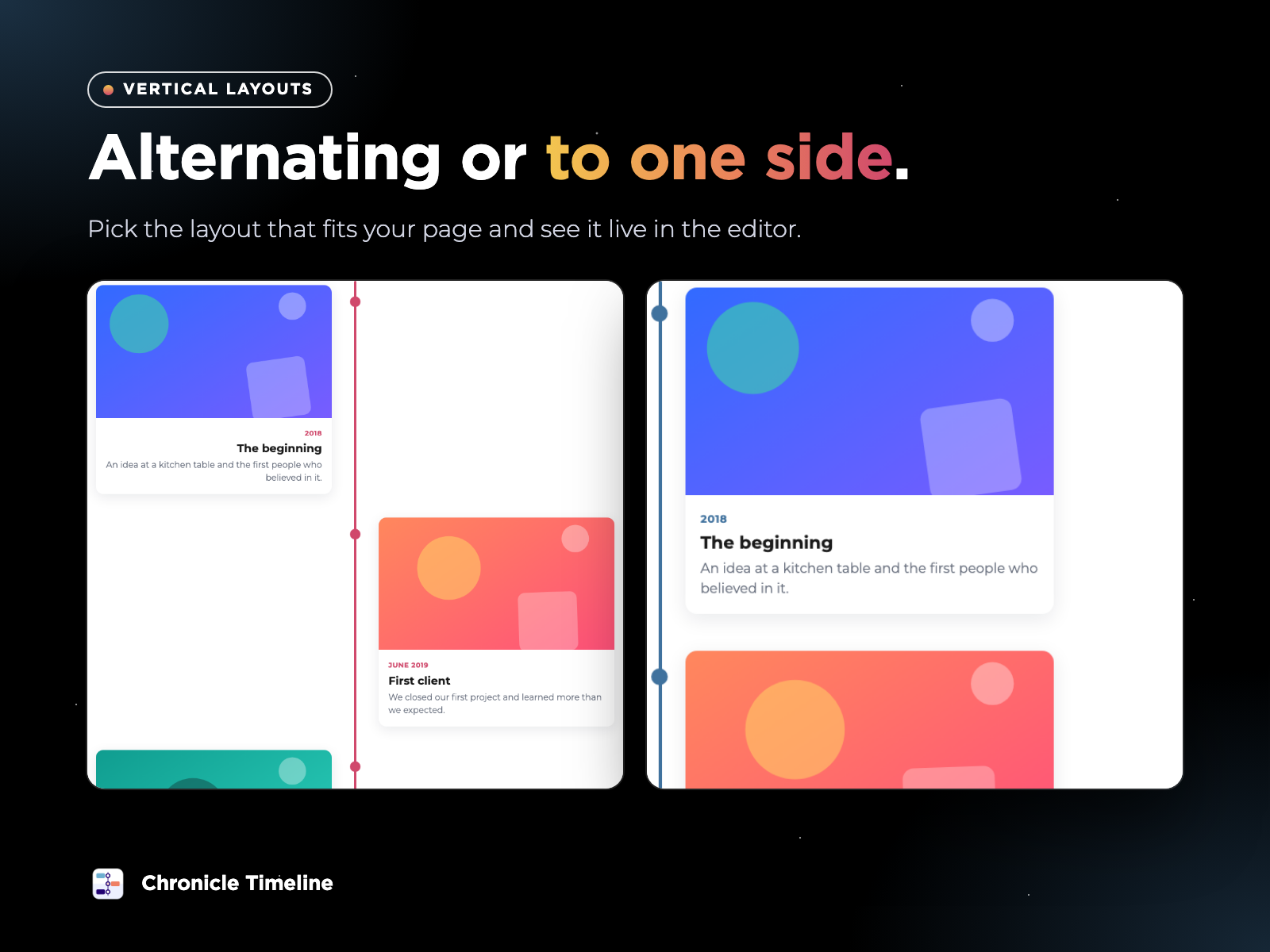
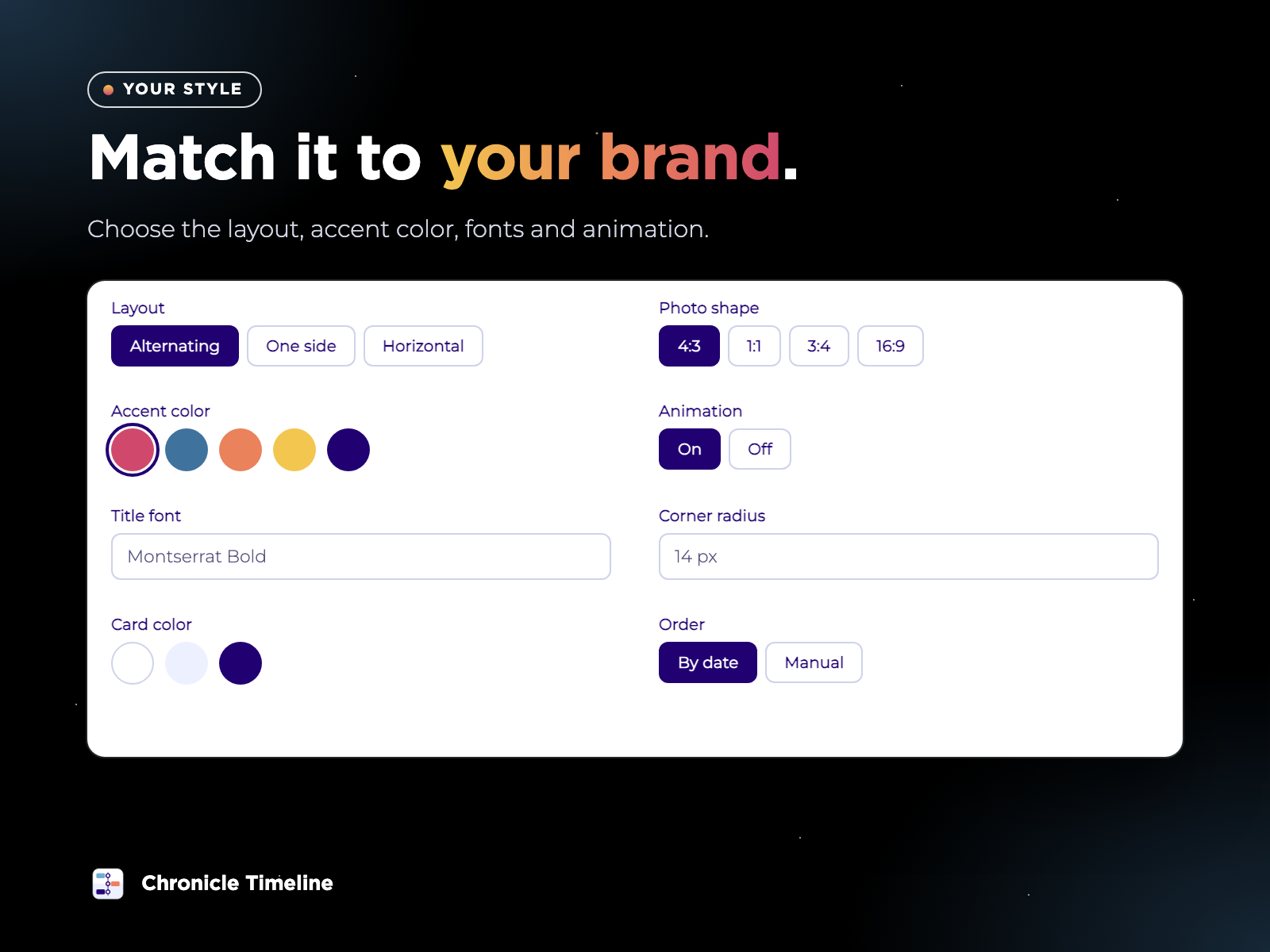
- Alternating vertical, vertical to one side, or a horizontal slider you can drag. It adapts to phones
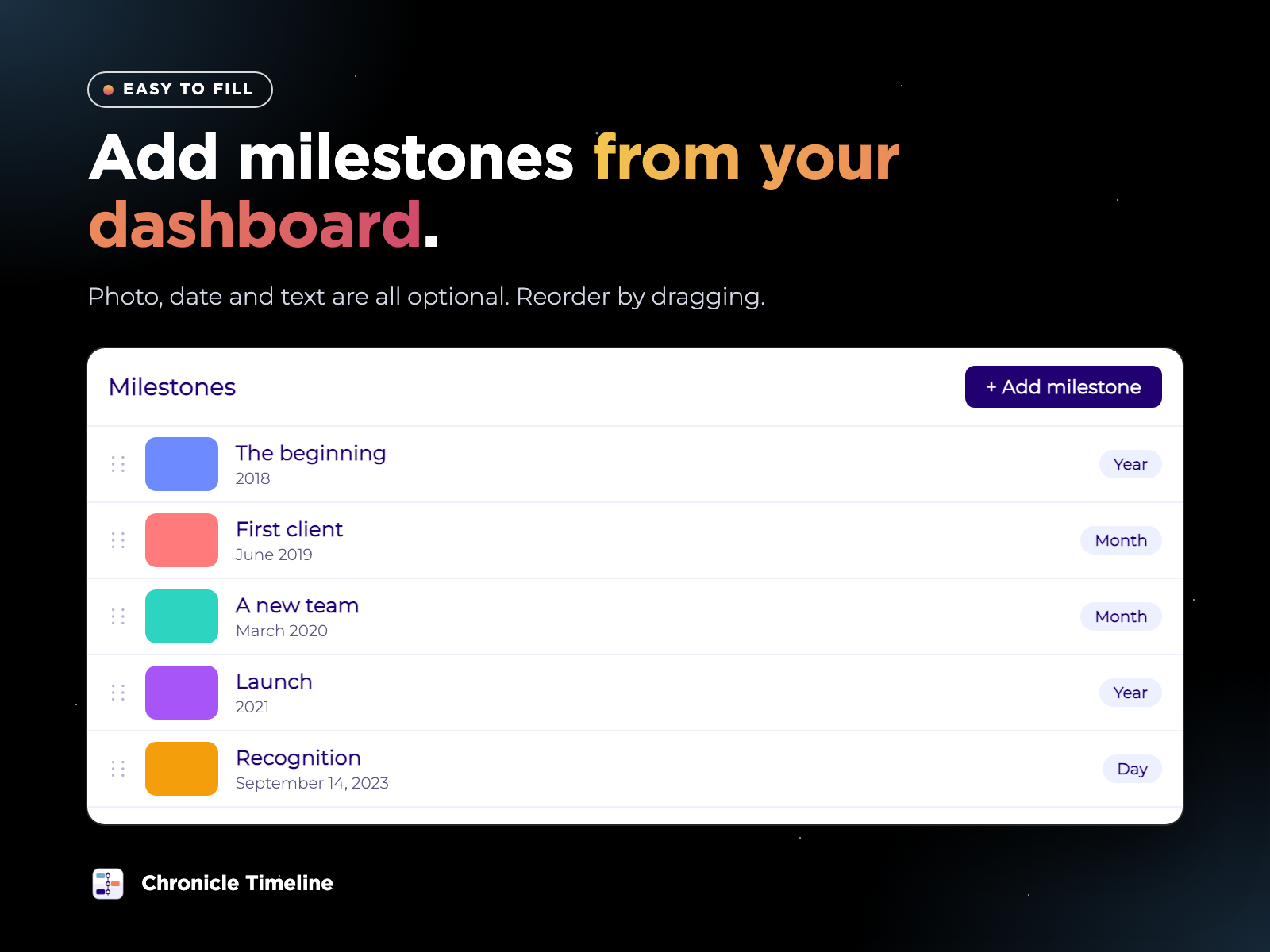
- Add photos, dates and text from your dashboard. All three are optional, and you can add many photos at once
- Use a year, a month, a full date, a range or your own text, and sort automatically or by hand
Classificações e avaliações
Este aplicativo ainda não recebeu nenhuma avaliação. Seja a primeira pessoa em avaliá-lo.Preços e planos
Plano Basic
Grátis
Up to 6 milestones
Vertical and horizontal layouts
Scroll animations
Accent color and photo shape
Plano Premium
$
3
99
/mês
Everything in Free
Unlimited milestones
Era headings to group milestones
Free colors for the line, text and car
* O preço está em USD.