

loja online
agendamentos
eventos
pop-up

Ask in Aria
Order Triggers for Automations
Por
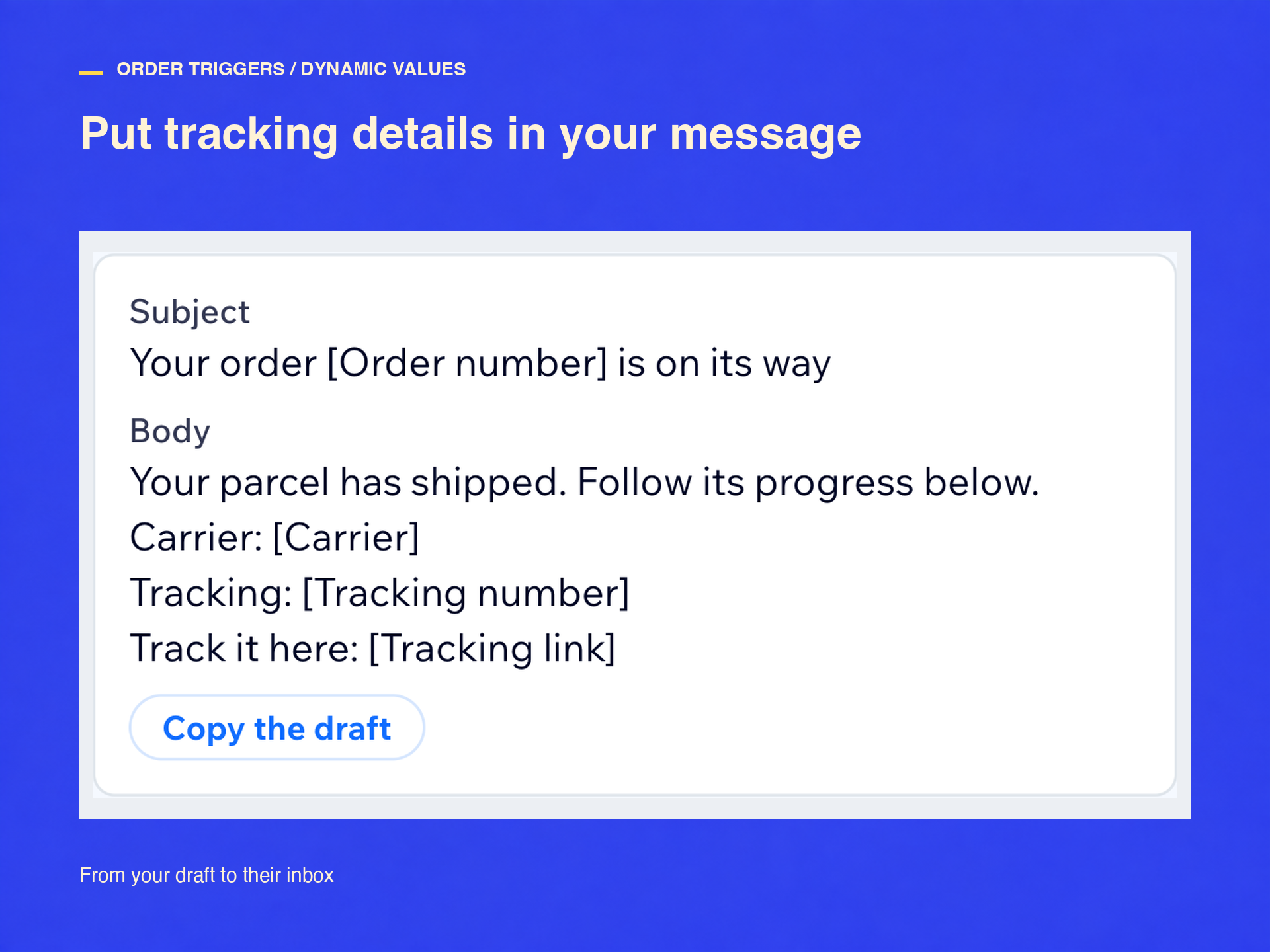
E-mails de envio com rastreio em 1 minuto
Ainda não há avaliações
Plano gratuito disponível

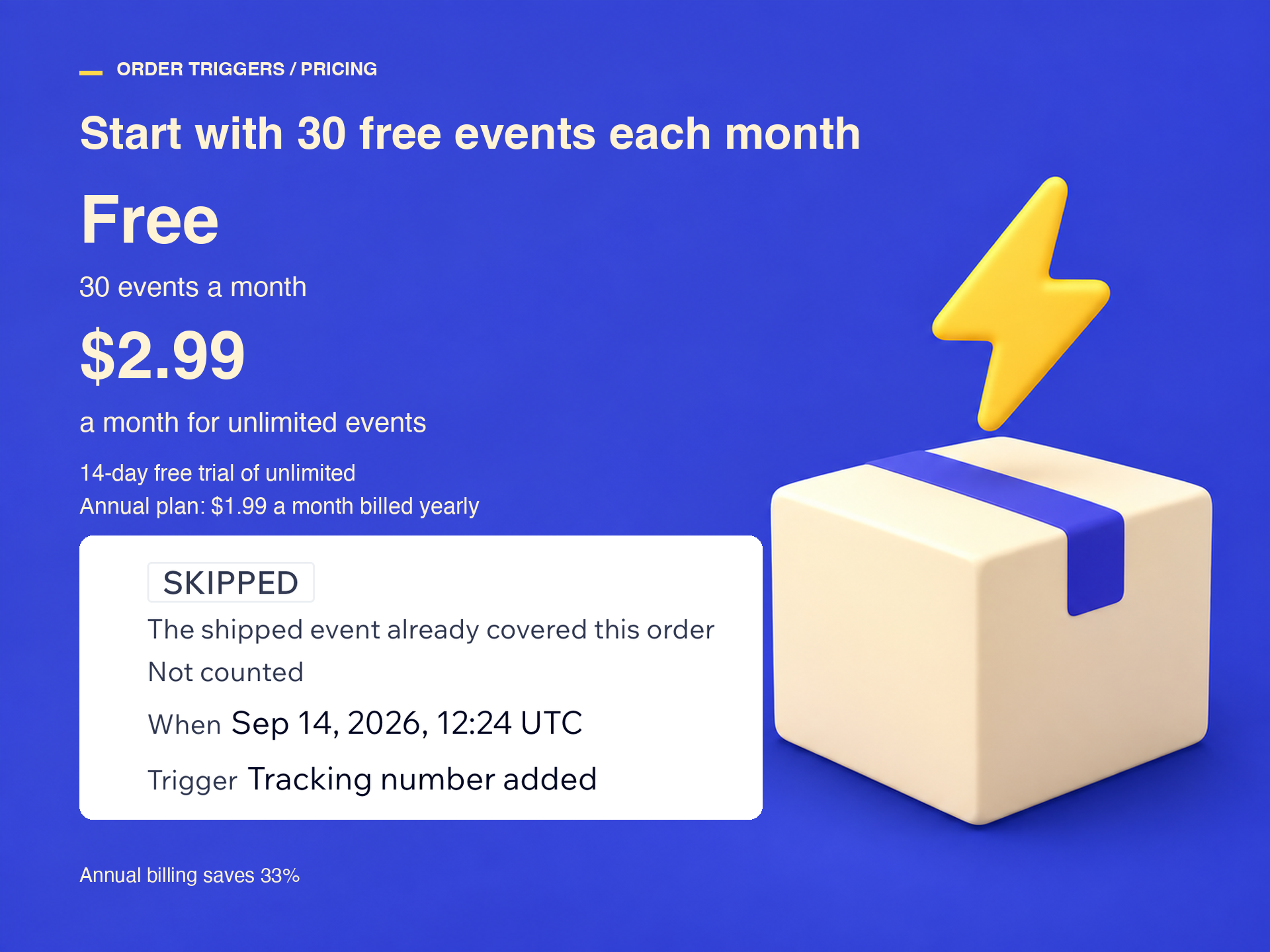
Visão geral de Order Triggers for Automations
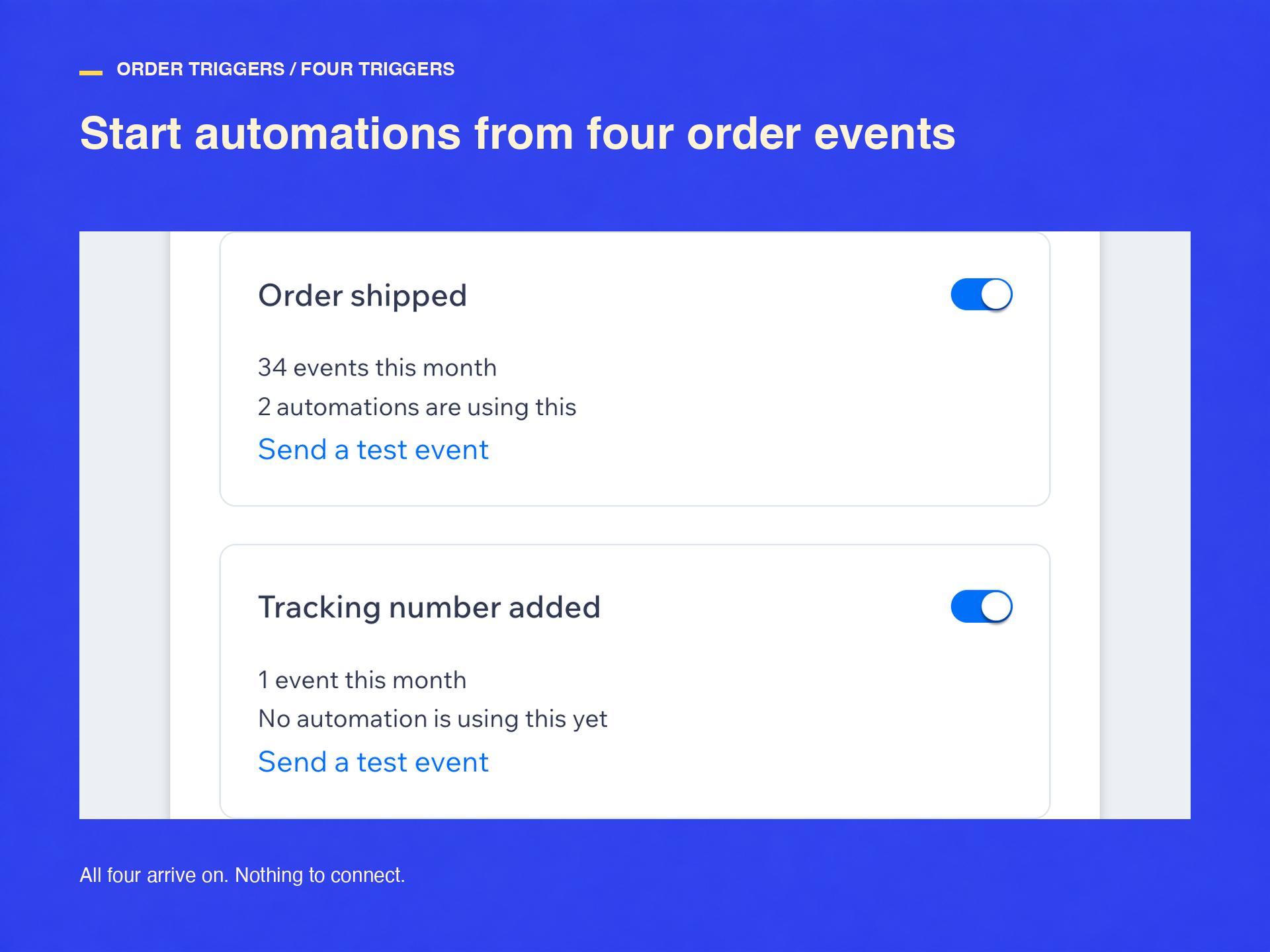
- E-mails enviados em até um minuto após o envio
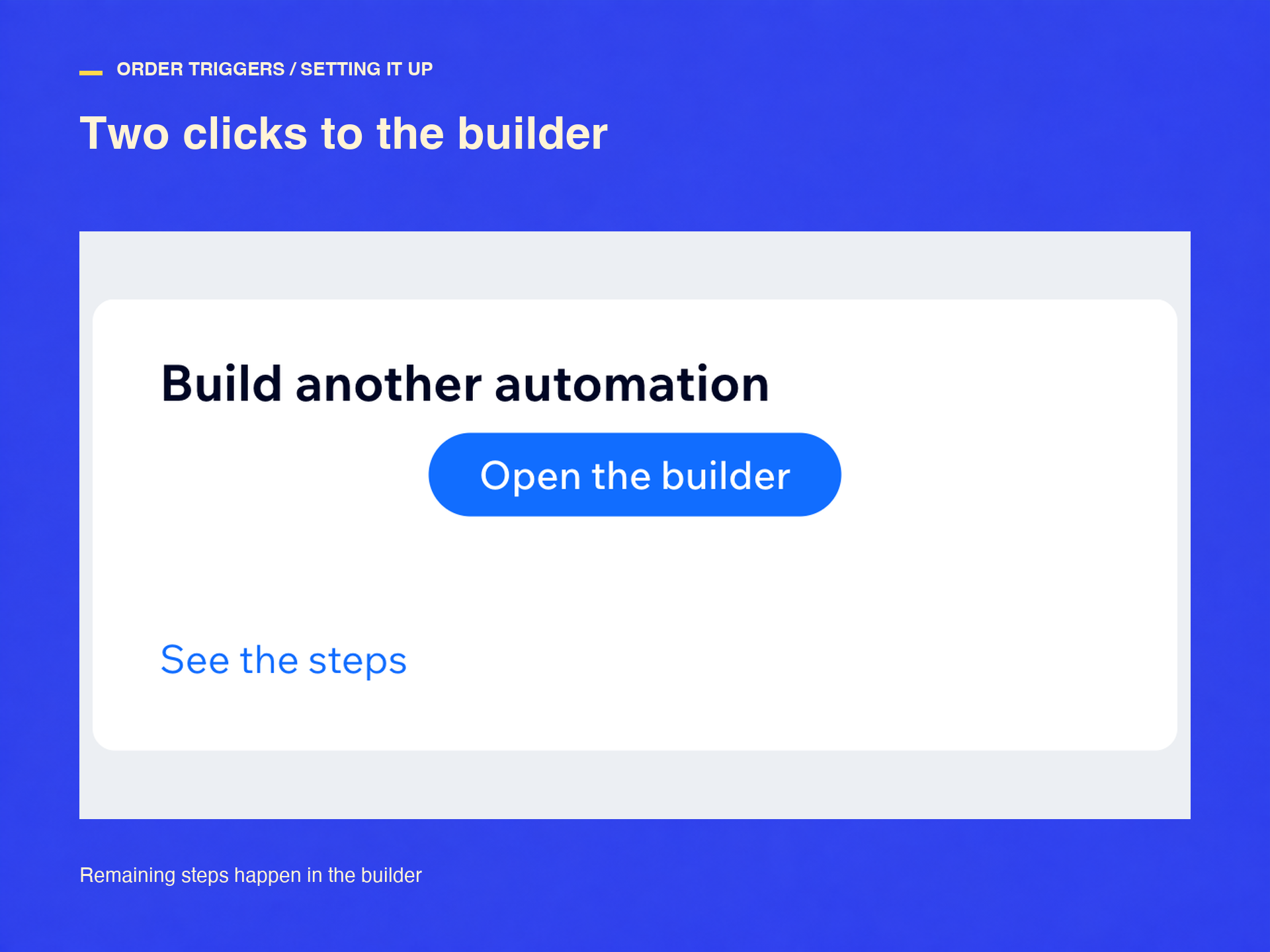
- No criador, grupo Order Triggers
- Um evento por pedido, duplicados combinados
- Ilimitado: $2.99 por mês, $1.99 anual
Categorias
Disponibilidade:
Esse app está disponível em todo o mundo.Idiomas do app:
Inglês
Requisitos do site:
-
Destacado em
Classificações e avaliações
Este aplicativo ainda não recebeu nenhuma avaliação. Seja a primeira pessoa em avaliá-lo.Preços e planos
Plano Básico
Grátis
30 eventos por mês, grátis sempre
Os quatro gatilhos de pedido
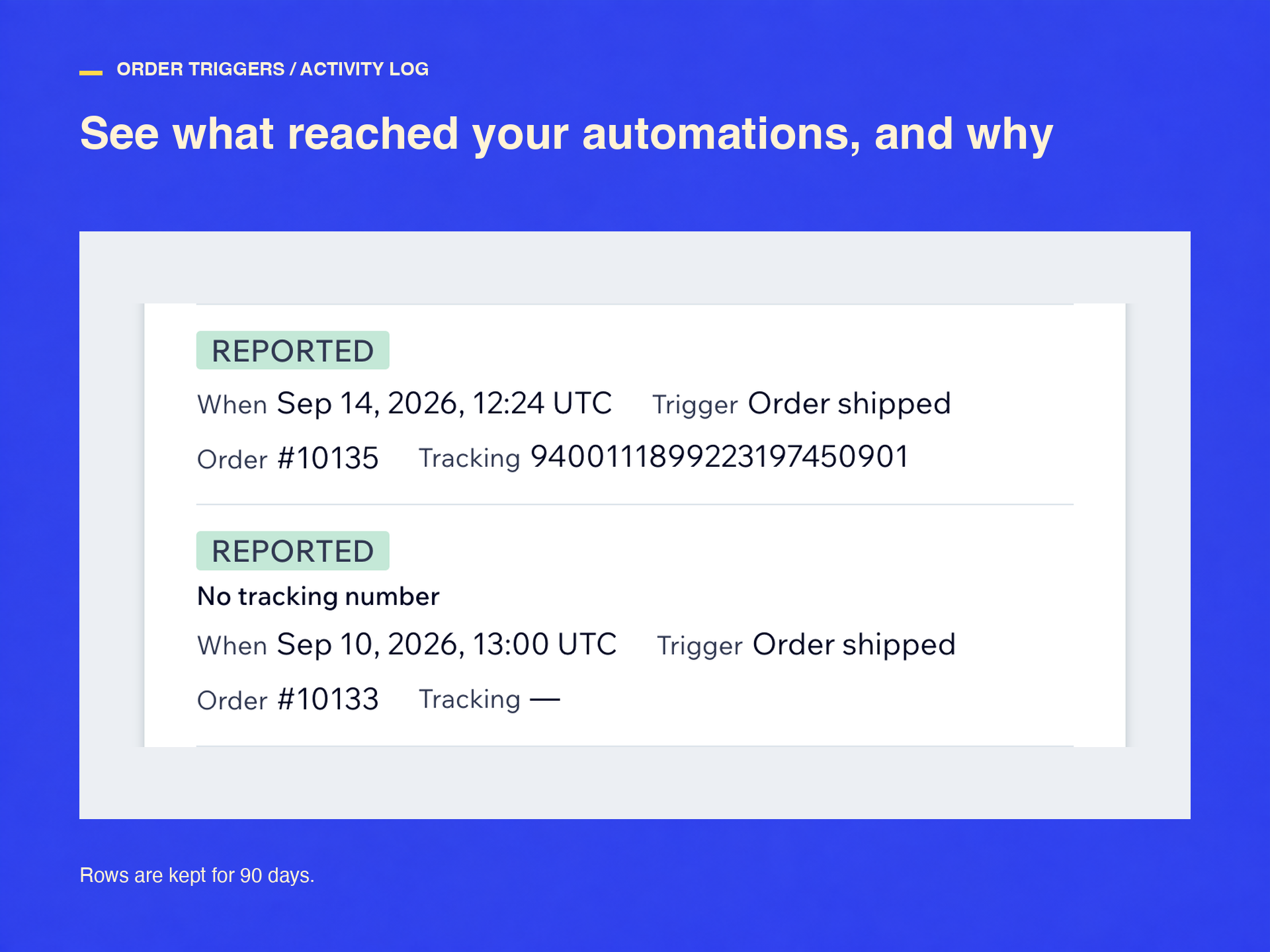
Registro de atividade e testes
Plano Padrão
$
1
99
/mês
Eventos ilimitados todo mês
Enviado, rastreio, parcial, cancelado
Registro, novas tentativas, testes
Anual: $23.88, ou seja $1.99 por mês
* O preço está em USD.