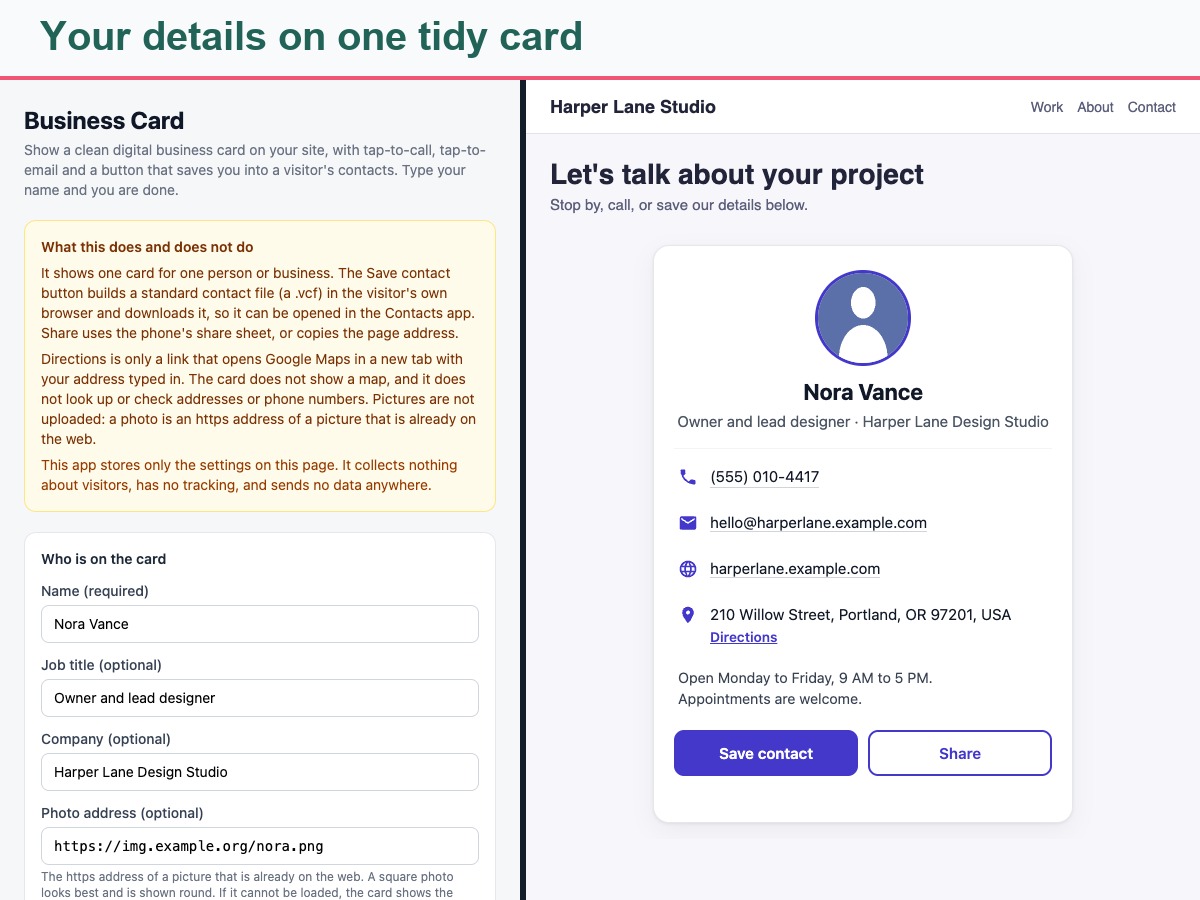
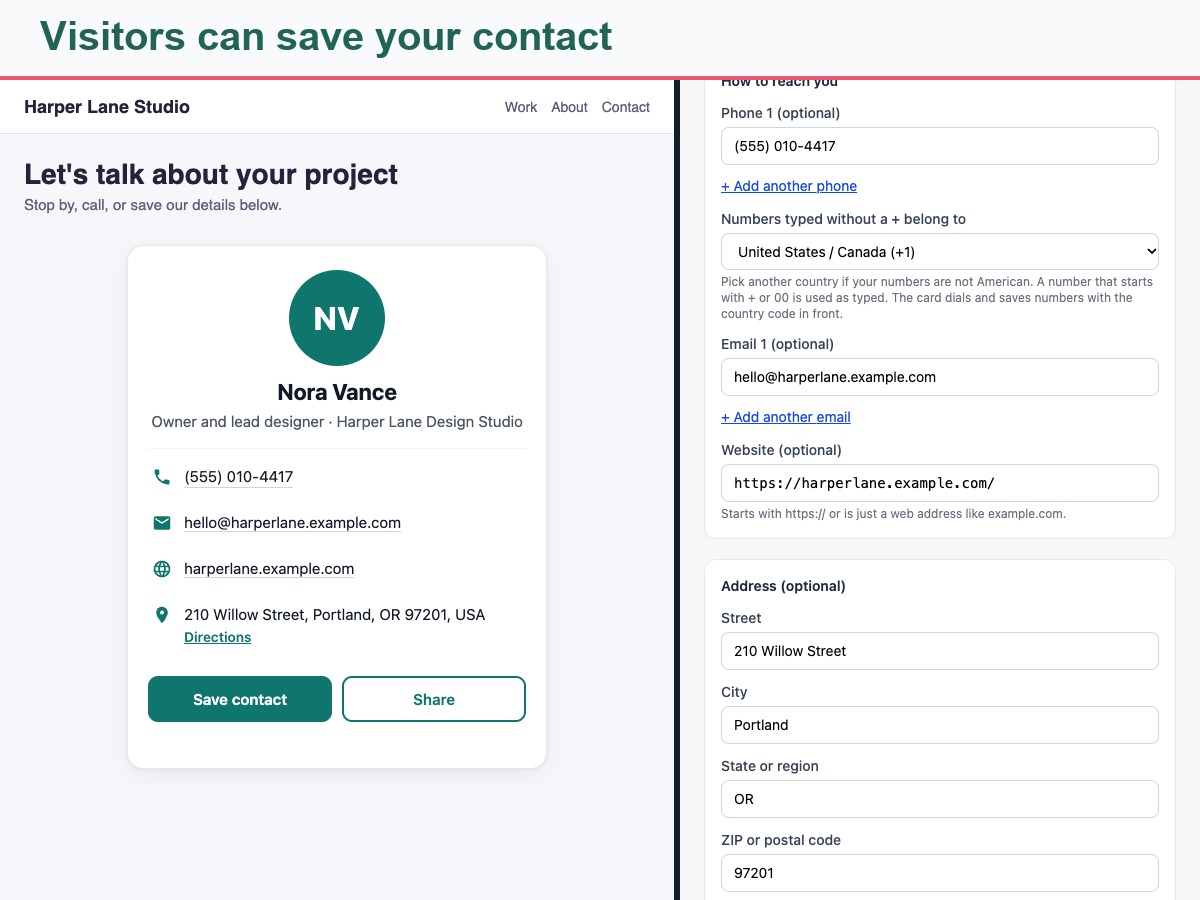
Business Card puts one clean digital card on your site. It shows a round photo or your initials, your name, job title and company, plus tap-to-call phone numbers, tap-to-email addresses, your website, your address and a short note such as opening hours. Add as many phone numbers and emails as you need. A country code is added to numbers typed without a plus sign, starting with the US.
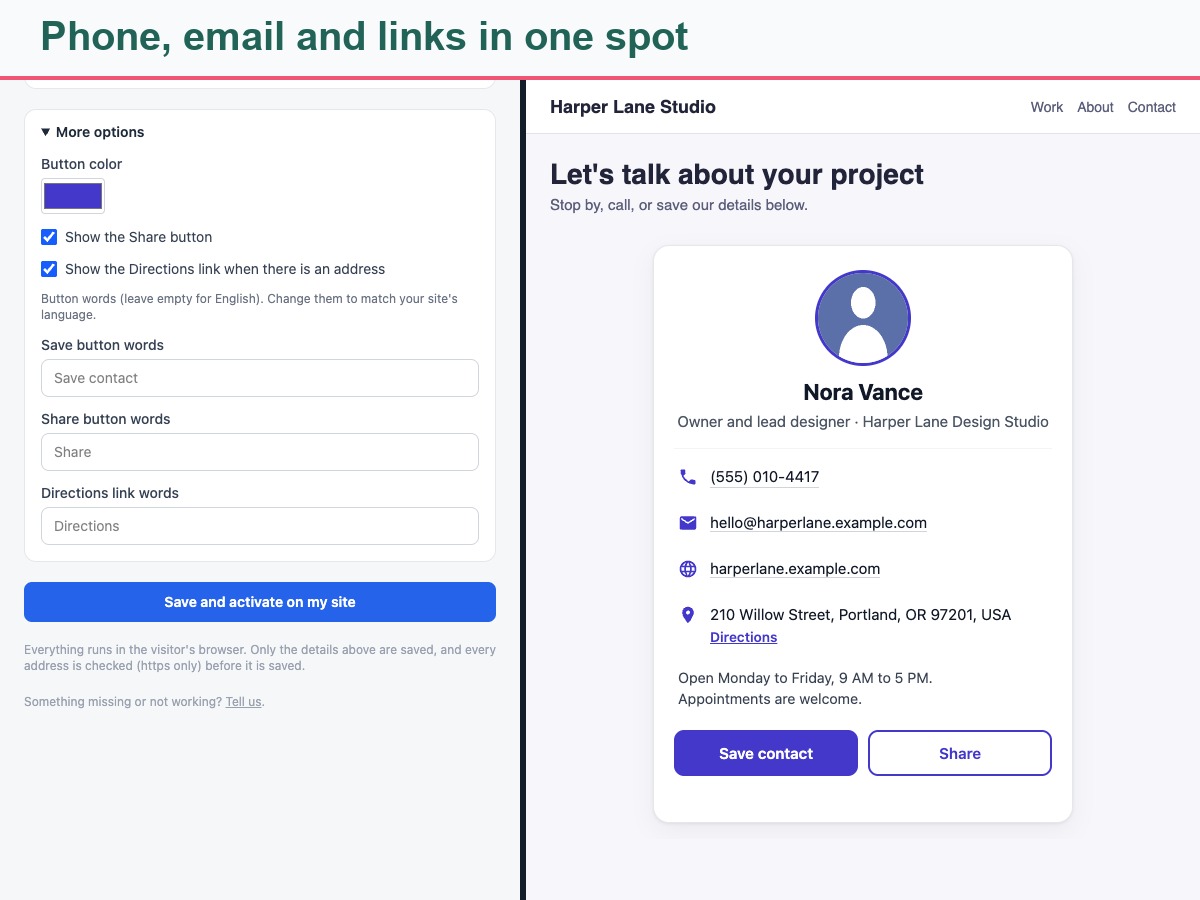
The Save contact button creates a standard contact file in the visitor's own browser, ready to open in their Contacts app. The Share button uses the phone's share menu where available, or copies the page address with a polite confirmation. A Directions link opens a map in a new tab with your address filled in. You can hide Share or Directions and rename the buttons.
Place the card inside a box you name or just above your footer, and limit it to chosen pages. It adapts to phones and right-to-left languages. Honest by design: it does not show a map, check addresses or phone numbers, or upload pictures. A photo is the web address of a picture you already have, and saving a contact behaves a little differently on each phone. Only your settings are stored.